

Safari, when used on Apple mobile devices such as iPhone, iPad or the iPod Touch, sometimes breaks NameThatPlant's back button.
It may help to hit the back button again.
If that doesn't work, apparently the only workarounds are to Search again or switch to a different browser.
We apologize for the inconvenience.
Throughout NameThatPlant's plant detail pages, clicking the “play” button
will allow you to hear the adjacent Latin name pronounced.

If you don't hear anything, check to make sure that you have speakers* that are connected properly,
and that the volume is turned up on both computer and speakers.
*Most Macs have built-in speakers; on Windows machines they are optional equipment.
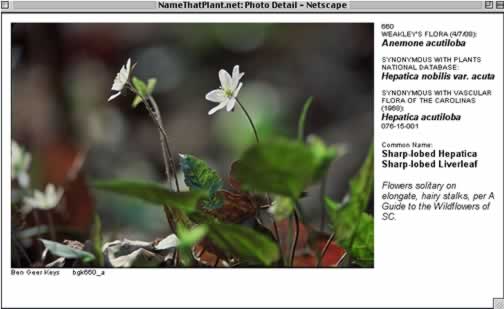
Clicking a thumbnail image will open a larger picture.

If nothing happens when you click, you may need to enable JavaScript.
For instructions on how to enable JavaScript in your web browser, visit https://www.enable-javascript.com